Strategy
How to Rank on Google: What Actually Moves the Needle
To rank on Google, make your pages easy to crawl and index, match what searchers want, publish helpful content that adds something new, and earn links and mentions from trusted sites. Google says no secret ranks a site first automatically and following its guidelines guarantees nothing, so focus on what you control.
Google ranks pages with automated systems that weigh many signals, and its own documentation is the safest guide to what they reward. SEO, or search engine optimisation, is the work of improving what you control so Google can find, understand and trust your pages. This guide uses that documentation first, then the best of the competing advice, and flags guidance that is dated or unproven. It covers eight steps, a table of what matters most, and quick answers on local, AI and timing questions. Sources are checked as of 31 October 2026.

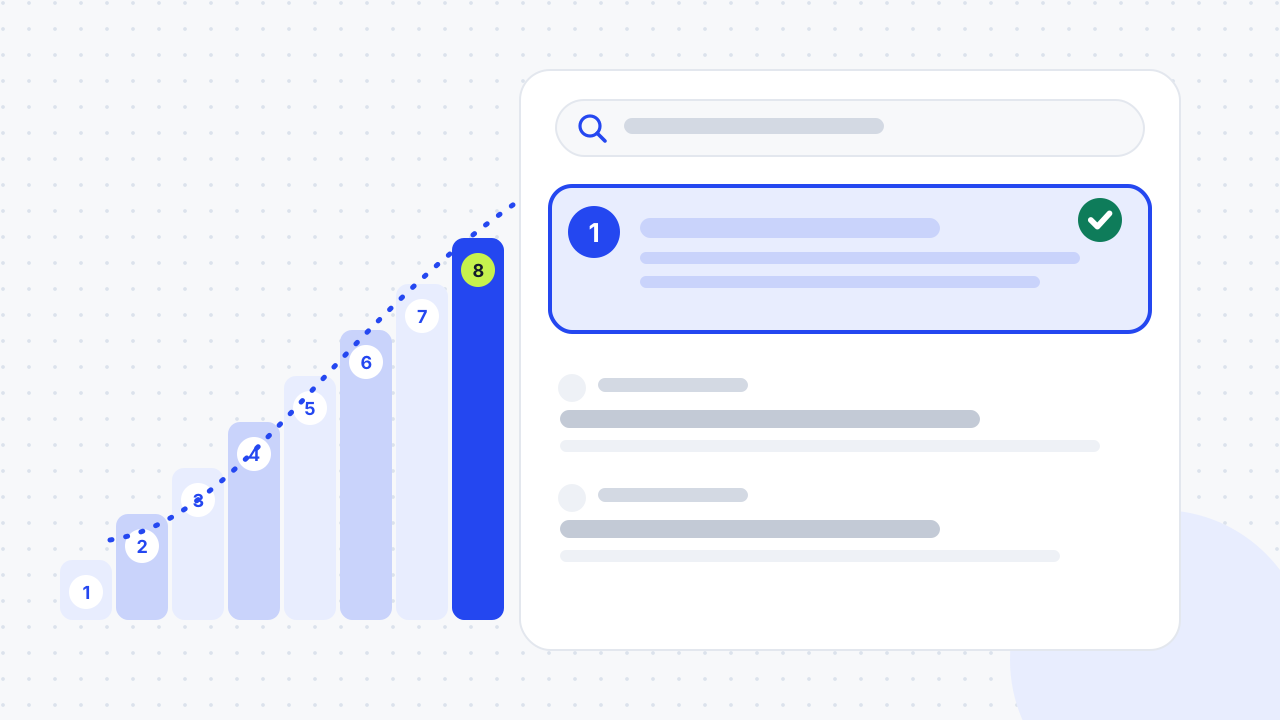
How does Google decide what to rank?
Google ranks individual pages by combining many signals through automated ranking systems, with the aim of showing the most relevant, useful results. Google's guide to its ranking systems, last updated on 10 December 2025, says its systems work at the page level. Site-wide signals also contribute, but they do not guarantee that every page on a site ranks well or badly.
The guide names the systems in use. They include AI systems such as BERT, RankBrain, neural matching and passage ranking. There are also separate systems for freshness, link analysis (PageRank), original content, reliable information, reviews, site diversity and spam detection. It also lists retired systems: the helpful content system became part of the core ranking systems in March 2024, and Panda and Penguin were folded in during 2015 and 2016.
What are the three stages: crawling, indexing and ranking?
Google finds pages by crawling, stores them by indexing, and then orders indexed pages by ranking, so a page must pass the first two stages before it can rank. Shopify's guide, dated 13 July 2026, explains the three stages. Google's bots find pages through links and sitemaps, read and store them in an index, and then rank them on query relevance, content quality, authority, technical performance and personal context. Shopify adds that Google uses the mobile version of a page as the primary basis for indexing and ranking.
Google's Search Essentials groups the requirements into three areas. The technical requirements are what a page needs to appear in results. The spam policies can lower or remove a page. The key best practices most affect ranking, such as helpful, people-first content and crawlable links.
What does Google say it cannot promise?
Google does not guarantee a ranking, however well you follow its advice. Search Essentials says that meeting its requirements and best practices does not mean Google will crawl, index or serve a site's content. The SEO Starter Guide adds that there are no secrets that automatically rank a site first, and that changes can take from hours to months to show an effect.
How do you rank on Google step by step?
You rank by working through eight steps in order, because each one depends on the one before.
- Make sure Google can crawl and index your pages. Nothing else works if it cannot.
- Choose keywords you can win. Prefer specific phrases over broad terms.
- Match search intent. Give people the kind of page they expect.
- Create helpful, original content. Add something the top results do not.
- Optimise titles, headings, descriptions and images. Make each page's topic clear.
- Link your pages together. Use descriptive internal links.
- Earn links and mentions. Use useful content, relationships and PR.
- Track results and improve. Use Search Console and update what slips.
Step 1: Make sure Google can crawl and index your pages
Check that your key pages are indexed before you do anything else. Search Google for "site:yourdomain.com" and use the Page indexing report in Google Search Console to see which pages are missing and why. Blue Array's advice, dated 8 February 2018, uses the same operator to find which of your URLs already rank for a keyword.
Fix blocks first: a stray noindex tag, a robots.txt rule that blocks key pages, or a missing sitemap. Also use HTTPS. Thunder Tech calls it a ranking feature, which the Google pages reviewed here do not say. It does note that Google Chrome warns visitors when a site is not certified secure. Our guide to fixing technical SEO issues without a developer walks through the Search Console routine, and our technical SEO checklist lists the checks.
Step 2: Choose keywords you can win
Pick phrases that your customers use and that you have a realistic chance of ranking for. The Exposure Ninja guide, updated on 27 October 2026, starts with keyword research. It says low-volume terms can be worth targeting when a sale is large: a term searched 10 times a month is worth pursuing if it leads to a £10,000 sale. Long-tail phrases suit in-depth content that answers customer questions.
Start with customer language, as Shopify advises: reviews, support questions and social comments. Google's free signals, such as autocomplete, People Also Ask and related searches, show what people want. Our keyword research guide and service go deeper.
Step 3: Match search intent
Search intent is the reason behind a query, and a page that does not match it will struggle however well it is optimised. Exposure Ninja's example is "bathroom fitters near me", which signals hiring intent, against "how to become a bathroom fitter", which signals a career search.
Check what already ranks. Shopify says to look at which content types appear: if guides rank, publish a guide, and if product pages rank, build a clear product or service page. It also cites a Semrush 2024 study that found text relevance, meaning how well content matches intent, was the top ranking factor. Our article on connecting search intent to revenue explains how to choose.
Step 4: Create helpful, original content
Write for people first and add something the current results lack. Google's guidance on helpful content, updated on 5 October 2026, asks for clear authorship and an honest account of how the content was made. It also asks for a purpose of helping visitors, not only attracting search traffic. It lists warning signs such as summarising other people's work without adding value.
Do not chase a word count. Exposure Ninja says content should be "as long as it needs to be", and the SEO Starter Guide says there is no ideal word count for ranking. Prioritise pages in this order, per Exposure Ninja: the homepage, then category and service pages, then product pages, then longer content.
Step 5: Optimise titles, headings, descriptions and images
Make each page's topic obvious to people and to Google. Give each page a unique, concise title that describes it and a meta description that summarises it, as Google's guide advises. Exposure Ninja notes that Google does not use meta descriptions for ranking, but users read them, so write them like a short blurb that earns the click.
Use one clear H1, descriptive subheadings, short URLs that reflect the topic and descriptive alt text on images. Our on-page SEO checklist covers each element.
Step 6: Link your pages together
Internal links show Google how your pages relate and help it crawl them. Exposure Ninja says internal links help search engines crawl and index pages, share value through PageRank and clarify topics through anchor text. Shopify advises keeping important pages within one to two clicks of the homepage.
Link from pages that already have authority to the pages you want to rank, with descriptive anchor text. Blue Array suggests inline links in body copy are more effective than navigation links for this purpose.
Step 7: Earn links and mentions
Links from relevant, trusted sites remain a signal: Google's ranking-systems guide lists link analysis (PageRank) among its systems. Shopify suggests PR coverage, partnerships, guest posts and original research that others want to cite. Exposure Ninja warns that buying low-quality links risks penalties, and Google's spam policies treat buying or selling links to manipulate rankings as link spam.
Thunder Tech and the Medium transcript both recommend broken link building: find a dead link on a relevant page and offer your page as the replacement. Our guides to digital PR for SEO and link building for beginners explain safe methods, and our off-page SEO and link building service does the work for you.
Step 8: Track results and improve
Track queries, impressions, clicks and average position in Google Search Console, and judge success by business results, not rank alone. Heroes of Digital says ranking alone does not equal success. Refresh pages when facts change: Exposure Ninja says updating existing articles can improve rankings.
Be honest about dates when you update. Google lists changing a page date without a substantial update as a warning sign. Our content refresh framework shows which pages to update first.
What matters most for ranking on Google?
No one outside Google knows the exact weights, so rank your effort by what Google has said and what the sources agree on. The table below is our synthesis, not a Google ranking.
| Priority | What to do | Evidence |
|---|---|---|
| 1 | Be crawlable and indexable | Google Search Essentials: technical requirements come first |
| 2 | Match search intent | Shopify cites a Semrush 2024 study ranking text relevance first; Exposure Ninja stresses intent |
| 3 | Publish helpful, original content | Google's helpful content guidance; helpful content is now part of the core ranking systems |
| 4 | Earn links and mentions | Link analysis is a named Google ranking system |
| 5 | Make pages clear and fast | Titles, headings and speed help users, though Google's ranking-systems guide does not list a separate page experience system |
| 6 | Build local signals if you serve a place | Shopify and Thunder Tech: Google Business Profile and consistent name, address and phone details |
Which ranking advice is outdated or unproven?
Several widely repeated claims are older than Google's current documentation or have no source behind them. The table checks them against the Google pages reviewed for this guide; "unproven" means no Google page we read supports the claim, not that it is false.
| Claim | Where it appears | Status |
|---|---|---|
| Google uses 200 or more ranking signals | Blue Array, 2018 | Dated: Google's ranking-systems guide says "many factors and signals" and gives no number |
| Use noindex and robots.txt together for safety | Thunder Tech (undated) | Contradicted: Google says combining the two can make them counteract each other |
| Add 2 to 3 external links to every page | Thunder Tech | Unproven: no Google source |
| Google down-ranks pages when visitors click straight back | Medium transcript of a 2022 Backlinko video; echoed by Shopify | Unproven: not stated in the Google pages reviewed |
| Stock photos hurt rankings | Medium transcript, citing one experiment | Unproven: one test, no Google statement |
| Fill pages with LSI keywords | Medium transcript | Unproven: the Google pages reviewed do not mention the idea |
| Titles must be 60 to 70 characters | Thunder Tech | No Google limit stated; Google asks for concise, unique titles |
Treat unproven claims as hypotheses to test, not rules. The Medium post is a user's republished transcript of a video by Backlinko's founder, so it carries no independent evidence.
How do you rank on Google Maps and in local searches?
For local searches, complete your Google Business Profile, keep your name, address and phone number consistent everywhere and earn genuine reviews. Shopify says rankings adjust for location, language and search history, so a local query shows local results and map listings. Thunder Tech recommends claiming the main listings and keeping your name, address, phone and website identical across them.
Our Google Business Profile guide and local SEO checklist cover the steps, and our local SEO service does the work for you.
How long does it take to rank on Google?
Expect months, not days. The SEO Starter Guide says changes can take from hours to months to show an effect and suggests waiting a few weeks before judging results. Shopify says it typically takes several months to see meaningful improvement, depending on competition and strategy.
Set realistic targets. Shopify quotes its senior SEO specialist Arthur Camberlein saying that moving from position four to three on a primary keyword is realistic. A jump from position 20 to one means revisiting expectations. There is no safe shortcut to the top. Our guide to how long SEO takes gives timelines by site type.
How do AI Overviews change how you rank?
They change how people find answers, not how you get indexed. Google's documentation says there are no additional requirements to appear in AI Overviews or AI Mode, nor other special optimisations. A page must be indexed and eligible to appear with a snippet. See our guide to ranking in AI Overviews for the practical steps.
01Can I do SEO myself?+
Yes. Google publishes a free SEO Starter Guide, Search Console is free, and the eight steps above need time more than money. Hire help when a problem needs code or server access, or when you cannot spare the time. A free SEO audit will show which job you have.
02Does Google rank websites or individual pages?+
Google ranks individual pages. Its ranking-systems guide says the systems work at the page level, while site-wide signals also contribute. Good site-wide signals do not guarantee that every page ranks highly, and poor ones do not mean every page ranks poorly.
03Are backlinks still important for ranking on Google?+
Yes, but quality and relevance matter more than volume. Google's ranking-systems guide lists link analysis (PageRank) among its systems, and Shopify describes backlinks as third-party endorsements. Earn links with useful content and PR, and avoid buying them, because Google treats bought links as link spam.
04Do Core Web Vitals affect Google rankings?+
Shopify calls Core Web Vitals confirmed ranking factors, but Google's ranking-systems guide does not list a separate page experience system, so check Google's current page experience documentation. Either way, slow, unstable pages lose visitors. The thresholds are a Largest Contentful Paint of 2.5 seconds or less, Interaction to Next Paint of 200 milliseconds or less and Cumulative Layout Shift of 0.1 or less.
05Do I need a blog to rank on Google?+
No. Google does not require one. A blog helps you answer the questions customers ask before they buy, which service and product pages cannot, but Exposure Ninja advises starting with your homepage, category and service pages. Add a blog when those pages are in good shape.
06Can you rank on Google for free?+
Yes, in cash terms. Search Console and PageSpeed Insights are free, and the main costs are time and expertise. Paid tools such as Ahrefs and Semrush help with research but are not required.
07How do you rank on Google fast?+
There is no reliable shortcut. Google says changes can take hours to months to show, and Shopify says meaningful gains typically take several months. A sensible way to move faster is to improve pages that already rank, or to remove a technical block that is holding a page back.
08Can a small business outrank big brands on Google?+
Sometimes. Shopify quotes its SEO expert Kyle Risley saying you are unlikely to outrank big brands unless their current content fails to answer the searcher's real intent. Smaller sites can win by targeting specific phrases, local searches and questions that large sites answer poorly.
09Is the helpful content system still part of Google ranking?+
Yes, but not as a separate system. Google's ranking-systems guide says the helpful content system became part of the core ranking systems in March 2024. The principle, original and helpful content made for people, still applies, so older guides that talk about a separate "helpful content update" are out of date.
10How do I check where I rank on Google?+
Use Google Search Console for average position by query, and a rank-tracking tool if you need a daily view. Heroes of Digital says to use Search Console or a dedicated SEO platform, and that ranking alone does not equal success. Results vary by location and device, so compare trends, not single checks.
11Which pages should I optimise first?+
Start with the pages that make you money. Exposure Ninja advises the homepage first, then category and service pages, then product pages and longer content, beginning with top sellers or using competitor research if you lack sales data. Fix any indexing blocks on those pages before you edit the copy.
12Why do my rankings look different from my customers'?+
Google personalises results. Shopify says results shift with location, search settings, device and past behaviour such as earlier searches. Check rankings in a private window or through Search Console, and remember that a local searcher may see local results that you do not.
Free SEO audit
Get a straight answer on what to fix first.
Request a free SEO audit and we will come back with the largest constraint on your organic growth and the first practical fix. No sales sequence.
Prefer to hire through Upwork? Hire me on Upwork