Local SEO
Duplicate Google Business Profiles: How to Find and Resolve Them
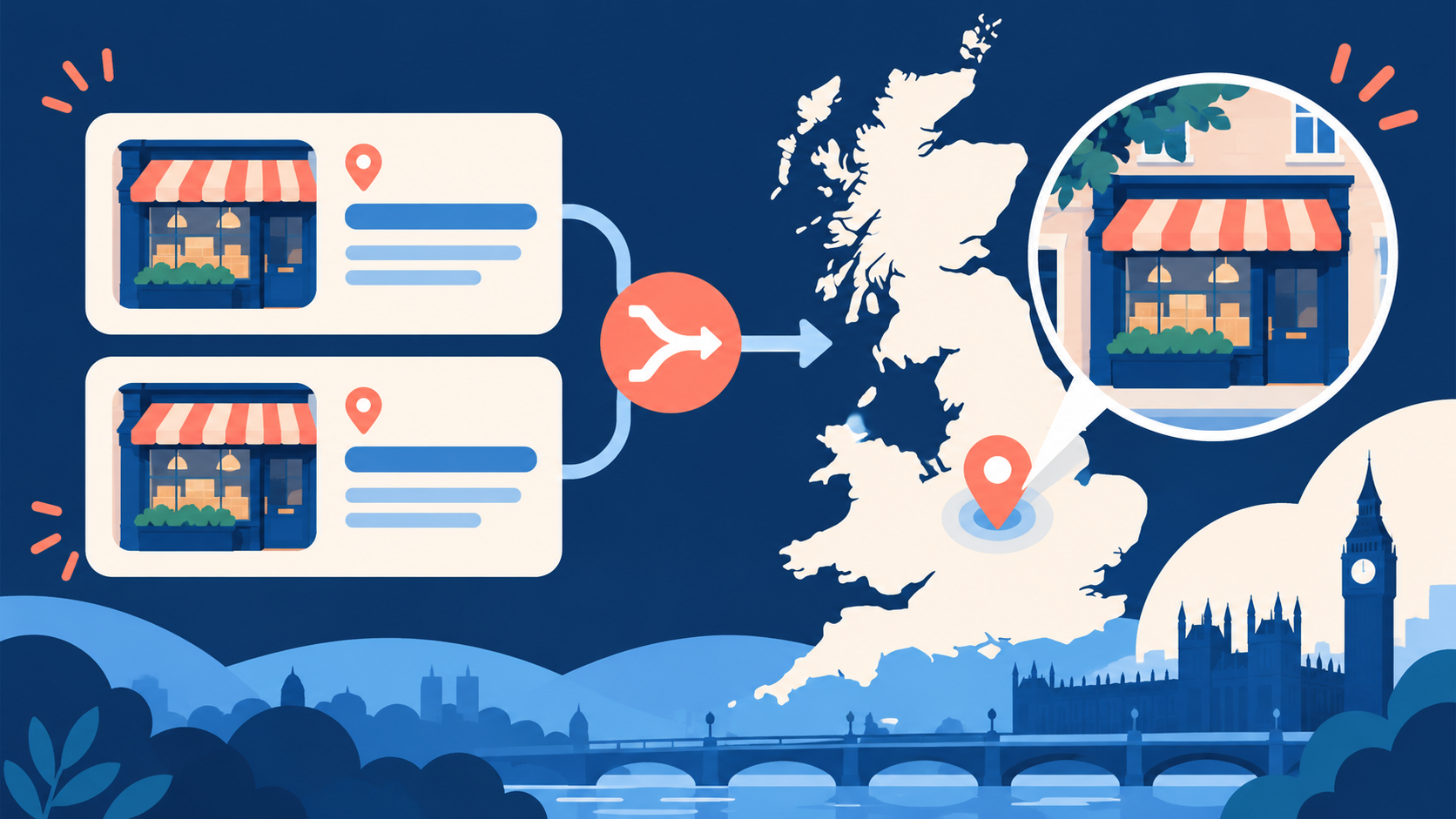
A duplicate Google Business Profile is an extra listing for the same eligible business. Search Maps for the name, old names, address and phone, then record each profile URL. If both listings represent the same business, use Google’s duplicate or merge process. If distinct eligible businesses were wrongly merged, appeal the duplicate decision instead.

How do you find every duplicate profile?
Search Google Maps for the current and former business names, business address, phone number and category. Check the Business Profile dashboard for a duplicate label. Record each profile URL, owner, verification state, reviews, address and phone before editing anything. Google generally permits one profile per business; a duplicate may not appear publicly. Google duplicate guidance.
Is it really the same business?
Two profiles at one address are not automatically duplicates: separately eligible businesses may share a building. Conversely, a business that moved should generally update its existing profile, rather than create a new one. Compare the real legal or trading identity, customer-facing operation and history. If Google wrongly labels distinct businesses duplicates, appeal with evidence. Our service-area guide explains eligibility for firms without a shopfront.
How do you resolve a true duplicate?
If the extra listing is unverified and you control it, follow Google’s duplicate resolution instructions from the Business Profile dashboard. If the same business has two public profiles, request a merge through Google’s support route. Provide both Maps URLs and identify the correct surviving profile. Google says reviews may combine after a merge, but replies to reviews may be lost. Check the outcome before changing more details. Official duplicate guidance.
What if someone else owns the duplicate?
Do not claim a stranger-managed listing and start deleting details. First establish whether it represents your business or a distinct eligible one. For your business, request ownership or use the relevant Google support path and supply both URLs. If the other listing is a different business, pursue a correction only for genuinely incorrect Maps information. See our ownership guide.
Which action is safe for each case?
| Situation | Appropriate route |
|---|---|
| Same business, extra profile | Request duplicate resolution or merge |
| Same business, moved premises | Update existing profile details |
| Distinct eligible businesses, wrongly merged | Appeal the duplicate status |
| Profile owned by former agency | Resolve ownership first |
| Old business permanently closed | Use the real closure status, not a duplicate workaround |
01Can I delete a duplicate Google Business Profile?+
Removing a profile from your account does not necessarily remove its public Maps listing. Use Google’s duplicate or merge process for a true duplicate.
02Will Google merge the reviews?+
Google says reviews may combine after a merge, but some replies may be lost. Record the review state before requesting it.
03Can two businesses share an address?+
Yes, if they are distinct, eligible businesses. A shared address alone does not prove duplication.
04What if Google marked my real profile duplicate?+
Appeal the duplicate status with evidence that the businesses are distinct or that the surviving listing is wrong. Check the relevant status or metric in the process above before taking the next action.
05Should I make a new listing after moving?+
Usually update the existing profile with the new address or service area. Creating a replacement can make a duplicate.
06How do I find a hidden duplicate?+
Check the Business Profile dashboard and search with old names, addresses and phone numbers. Record every profile URL.
07What if the duplicate belongs to a former agency?+
Resolve access to the existing profile through Google’s ownership route, then address duplicate status. Check the relevant status or metric in the process above before taking the next action.
08Does a duplicate always show on Maps?+
No. Google may suppress a profile it treats as duplicate. Check the account status as well as public results.
09Can I choose which profile survives?+
You can identify the preferred profile in a support request, but Google decides the final resolution. Keep records of both URLs and reviews.
10Should I mark a duplicate permanently closed?+
Only mark a business closed when the business actually closed. Closure is not a substitute for duplicate resolution.
Free SEO audit
Get a straight answer on what to fix first.
Request a free SEO audit and we will come back with the largest constraint on your organic growth and the first practical fix. No sales sequence.
Prefer to hire through Upwork? Hire me on Upwork