Local SEO
Google Business Profile Verification Failed: How to Fix Video and Setup Issues
A failed Google Business Profile verification usually means Google could not confirm the business, its location or your authority to manage it. Check the rejection message before trying again. Correct inaccurate profile details, then record one continuous video showing the location, business evidence and your access. If the option disappears, contact Business Profile support.

What does a failed verification actually mean?
A rejection and a pending review are different states. In Business Profile, open the verification prompt and choose Review issues if Google offers it. A request to verify again means the previous attempt did not finish; a profile that is still under review needs time before another attempt. Google must confirm the business location, even when its address is hidden publicly. Google says video reviews can take up to five business days. Google verification help.
How do you fix a rejected verification video?
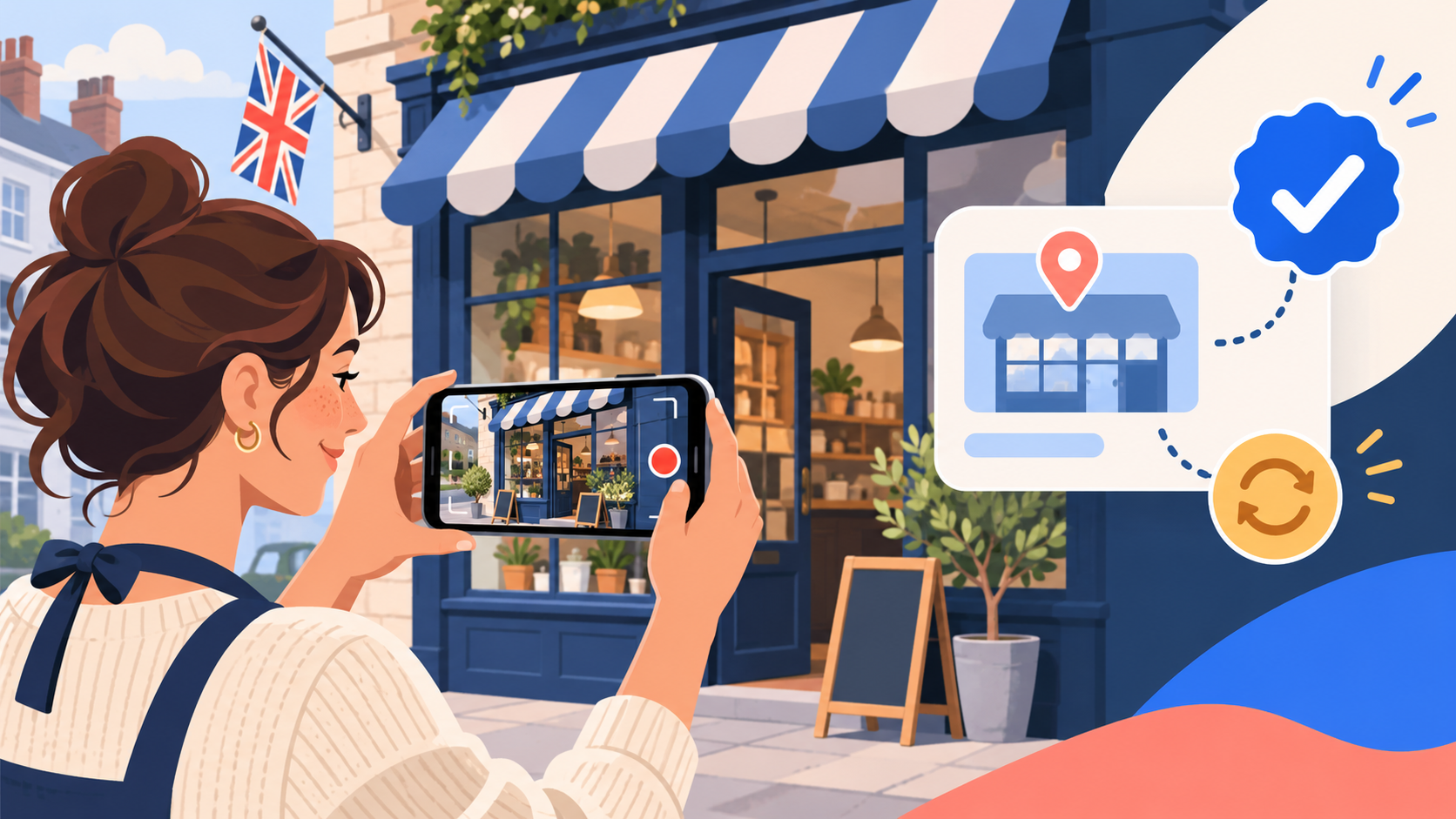
Build the next video around three proofs: where the business operates, that the business exists, and that you manage it. Use the phone camera from the verification flow; Google asks for a continuous, unedited recording of at least 30 seconds. For a storefront, show the street context, permanent signage and access to the premises. For a service-area business, show genuine work equipment, branded material or documents and proof of access to the operating location. Keep private customer information out of view. Google video rules.
Which setup issues should you correct before trying again?
Compare the Business Profile name, category, address or service area, website and phone with the real business. A service-area business without a staffed customer-facing shopfront should hide its address. A virtual office, borrowed address or keyword-stuffed business name can create an eligibility or consistency problem. Correct the profile first; then use the verification method Google actually offers. You cannot choose an unavailable method just because it seems easier. See our service-area setup guide.
What if the video will not upload or the option has vanished?
First test the basics: a stable connection, phone permissions for camera and location, an updated browser or Google Maps app, and enough free storage. Reopen the verification flow and check whether Google has changed the available method. If a review has finished and the button remains missing or rejects repeated valid evidence, use the official Business Profile support route and provide the profile link, exact error and screenshots. Do not create a second listing to escape the problem.
Which recovery path fits your situation?
| What you see | Next action |
|---|---|
| Review in progress | Wait for the stated review result; avoid resubmitting blindly |
| Review issues / video rejected | Fix the named evidence gap and record a fresh continuous video |
| Profile details wrong | Correct the real-world business details before retrying |
| No verification option or repeated technical error | Contact Business Profile support with screenshots |
| Suspended profile | Follow the suspension recovery guide rather than another verification loop |
01Can I choose postcard verification instead of video?+
Only if Google offers it in your profile. Google determines the available methods.
02How long does video verification take?+
Google says review can take up to five business days. Check your profile for the result before recording again.
03Can I edit a rejected video?+
No. Google requires a continuous, unedited recording. Make a new video that addresses the stated issue.
04What should a mobile tradesperson film?+
Show the real operating location, business tools or vehicle, and evidence that you manage the business. Do not expose customer information.
05Does a home address have to appear publicly?+
No. Eligible service-area businesses can hide the address while using the real operating location for verification.
06Why is the verification button back?+
Google may need verification again, or the previous attempt did not complete. Check the status and instructions in the profile.
07Will a new listing solve failed verification?+
Usually no. A new listing can create a duplicate and complicate recovery. Fix or escalate the existing profile.
08Can an agency verify the profile for me?+
An authorised representative can help, but the business should retain ownership and supply genuine evidence. Never share a personal account password.
09What if my profile is suspended too?+
Handle the suspension through Google’s appeals route. The verification flow alone does not reverse a suspension.
10What evidence should I send support?+
Send the profile link, exact error, dates of attempts and screenshots. Include only documents Google requests through its official channel.
Free SEO audit
Get a straight answer on what to fix first.
Request a free SEO audit and we will come back with the largest constraint on your organic growth and the first practical fix. No sales sequence.
Prefer to hire through Upwork? Hire me on Upwork